Vendor Dashboard
Introduction
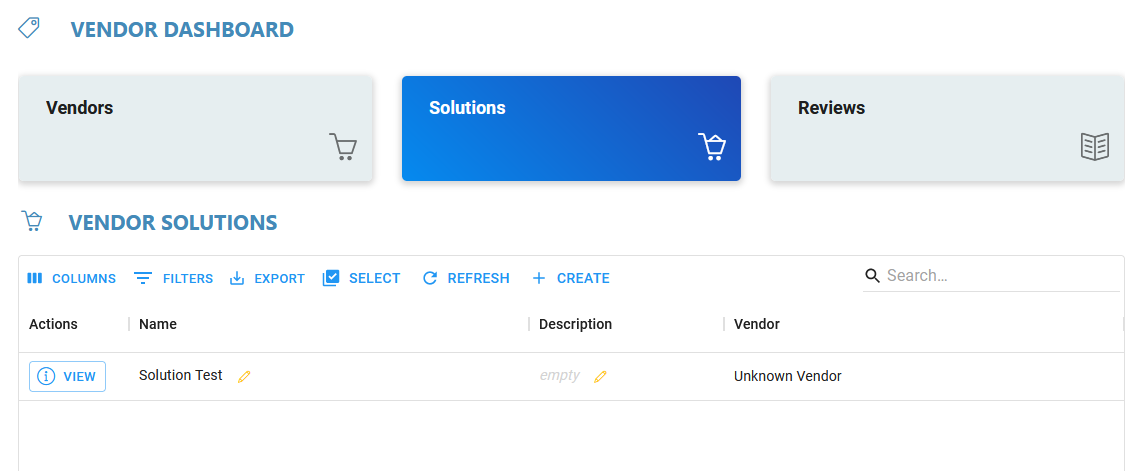
The Vendor Dashboard displays all Vendors, Solutions, and Reviews for an Organization.
Each card displays a different list when selected. “Vendor” will display a list of vendors. Here, new Vendors can be added, and old Vendors can be deleted.
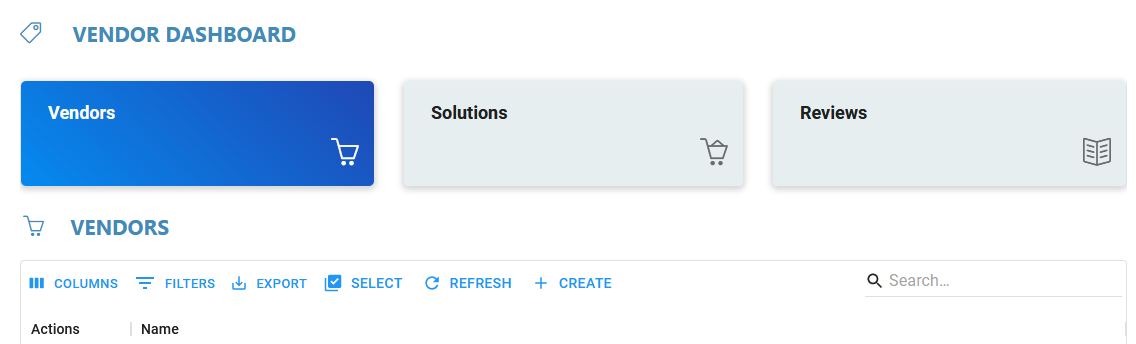
Selecting “Solutions” or “Reviews” will display similar lists, where new items can be created or added.