
User Dashboard
Introduction
Each user has a unique dashboard that contains personal details as well as resources associated with that Point of Contact. A log of User activity can be found on the dashboard as well.
Features
User Details
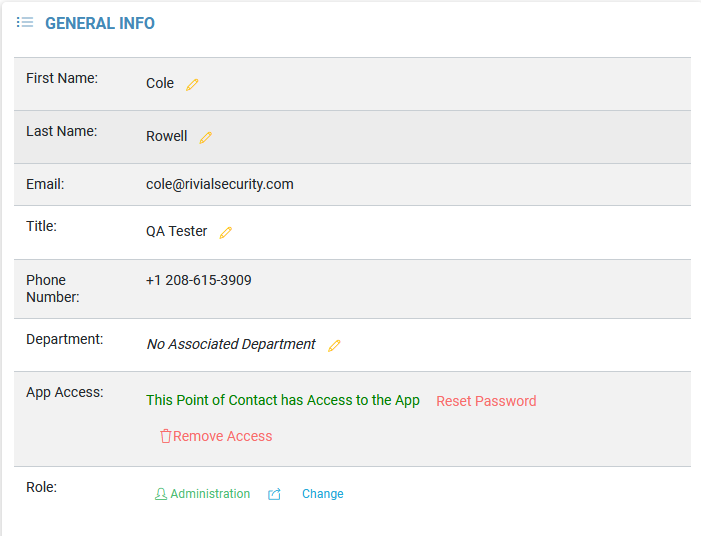
Details of the User account, such as name, title, email, etc can be found, and some can be edited.
The role of the User can be changed from here.
Application access and the User password can be reset as well.
User History
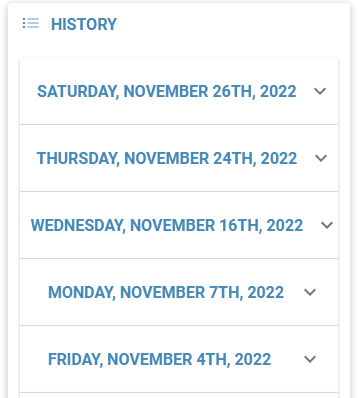
On the right side of the dashboard is a list of the User’s previous actions. Each day has a drop down menu that will list items such as a resource creation, as well as a link to it.
Along the top of the dashboard are a series of slides that navigate to Data Grids of resources attached to the User.
