
Notes
Introduction
Throughout the application, notes can be added to various resources for Users to leave important information, whether that be an explanation for something unusual or a reminder of a quick point made during a Meeting that the User did not want to forget. These notes can be made into Observations/Recommendations that will appear in the Program module. Multiple notes will be sorted by date with the most recent at the bottom of the list.
Creating an Note
Notes can be added to many different resources. They will appear very similar to this example:
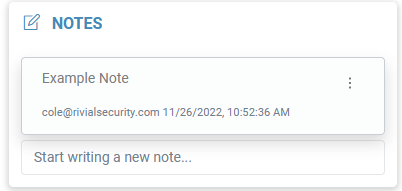
To create a note, start typing in the designated text box and click “Save”.