Jobs
Introduction
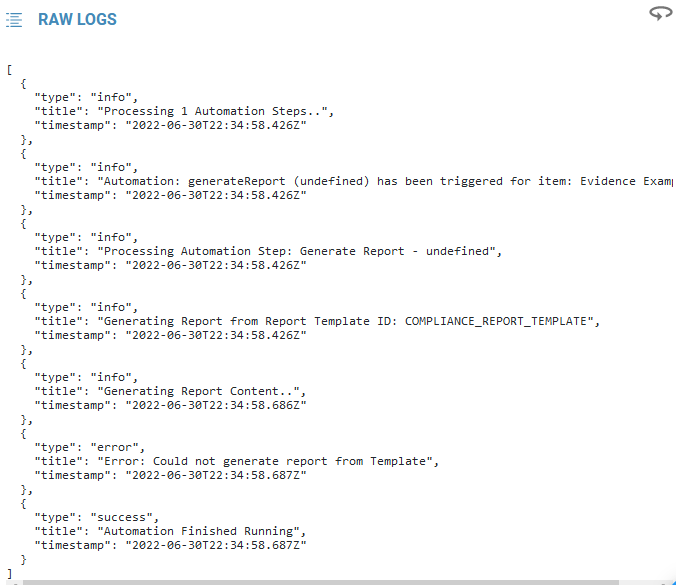
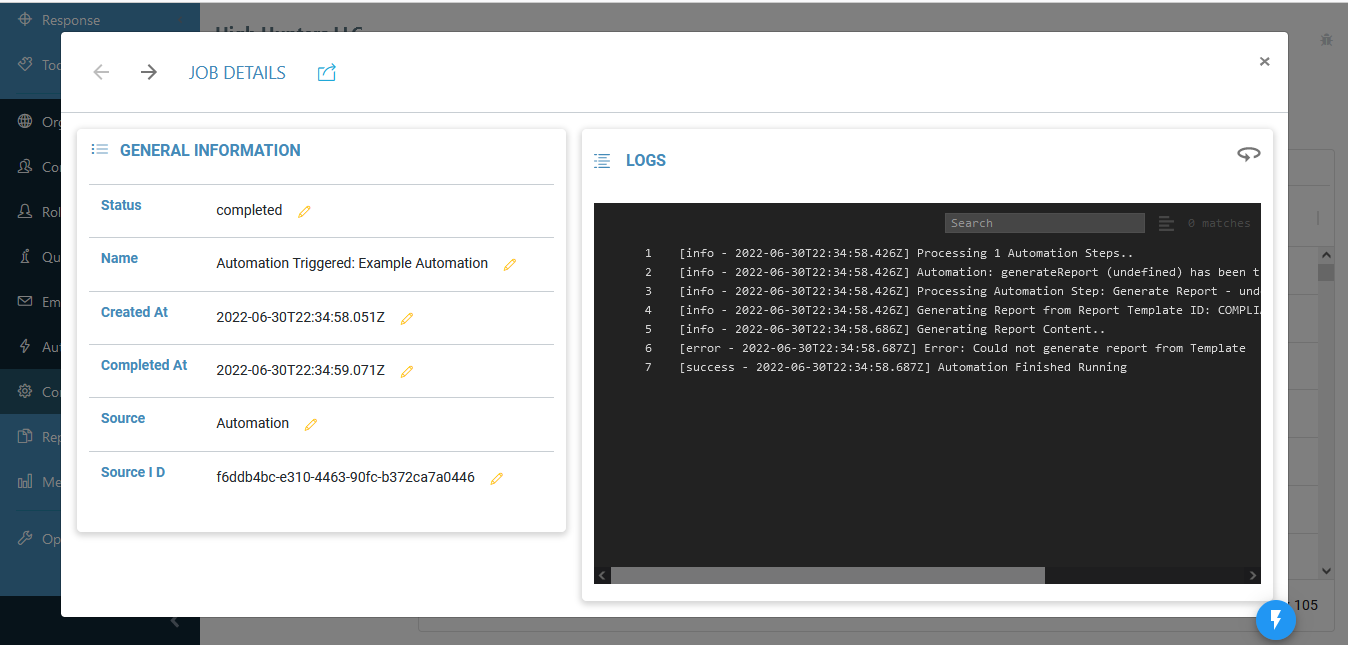
A Job is a log of background activity created when Reports, Automations, etc. are active. For example, every time an Automation creates a Report, the date, time, the template used, and any errors that occur during execution will be logged within the Job.
Jobs are created only when background activity occurs. One cannot be created by itself, nor can it be deleted.
Accessing and Viewing Jobs
To view specific Jobs, they can be accessed through the details of an Automation. All Jobs can be viewed through the “Jobs” tab of the “Organization Config” menu.
A search bar is included if you are searching for any key words throughout the logs, such as a date or an error.
A “Raw Logs” version can be toggled on or off by clicking the circular arrow in the top right.