
Data Grid Column Features
Introduction
Data Grid columns include many features for added flexibility and customization.
Resizing
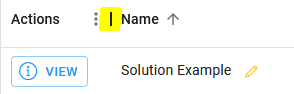
Columns can be resized to be larger or smaller. Click and drag the vertical bars separating each header to change it.
Sorting
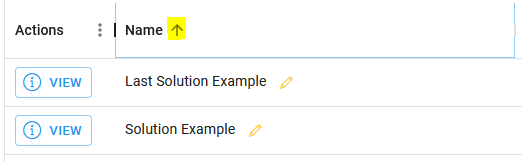
Data Grids can be sorted by a specific column. For example, the Vendor Solution Data Grid can be sorted alphabetically by name, description, or Vendor. Click on the header that the grid should be sorted by to change how it is sorted.
Choosing
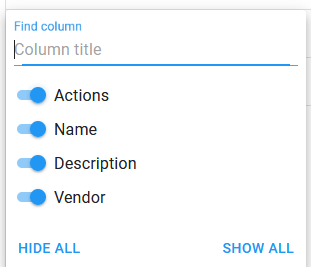
Some Data Grids have many different columns, to the point of it being impractical to display all of them. Through the options menu, the User can choose which columns to display.
Persistence
All view settings for Data Grids can be saved to the browser of the User by enabling “Data Grid Persistence” through the options menu.